1
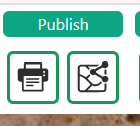
Find the Publish tools
In the Publish group, choose the printer icon to open the map layout.
The neighbouring share icon opens Share Map Settings. Choose the output you need.
2
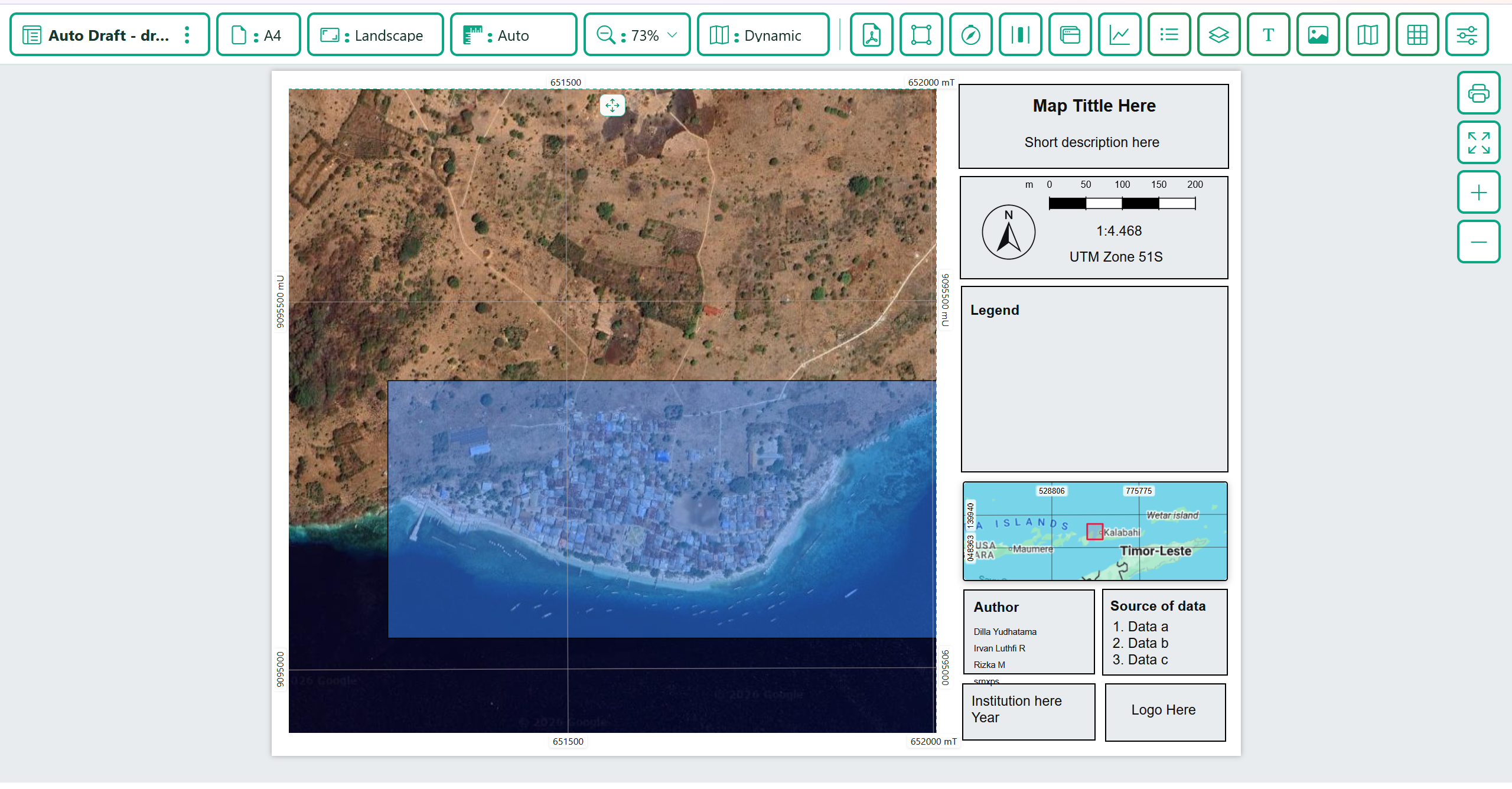
Prepare the layout and output
Choose paper size and orientation. Adjust the map view, title, legend, scale, north arrow and other layout items.
Check the preview, then use the PDF icon or printer button to export or print the layout.
3
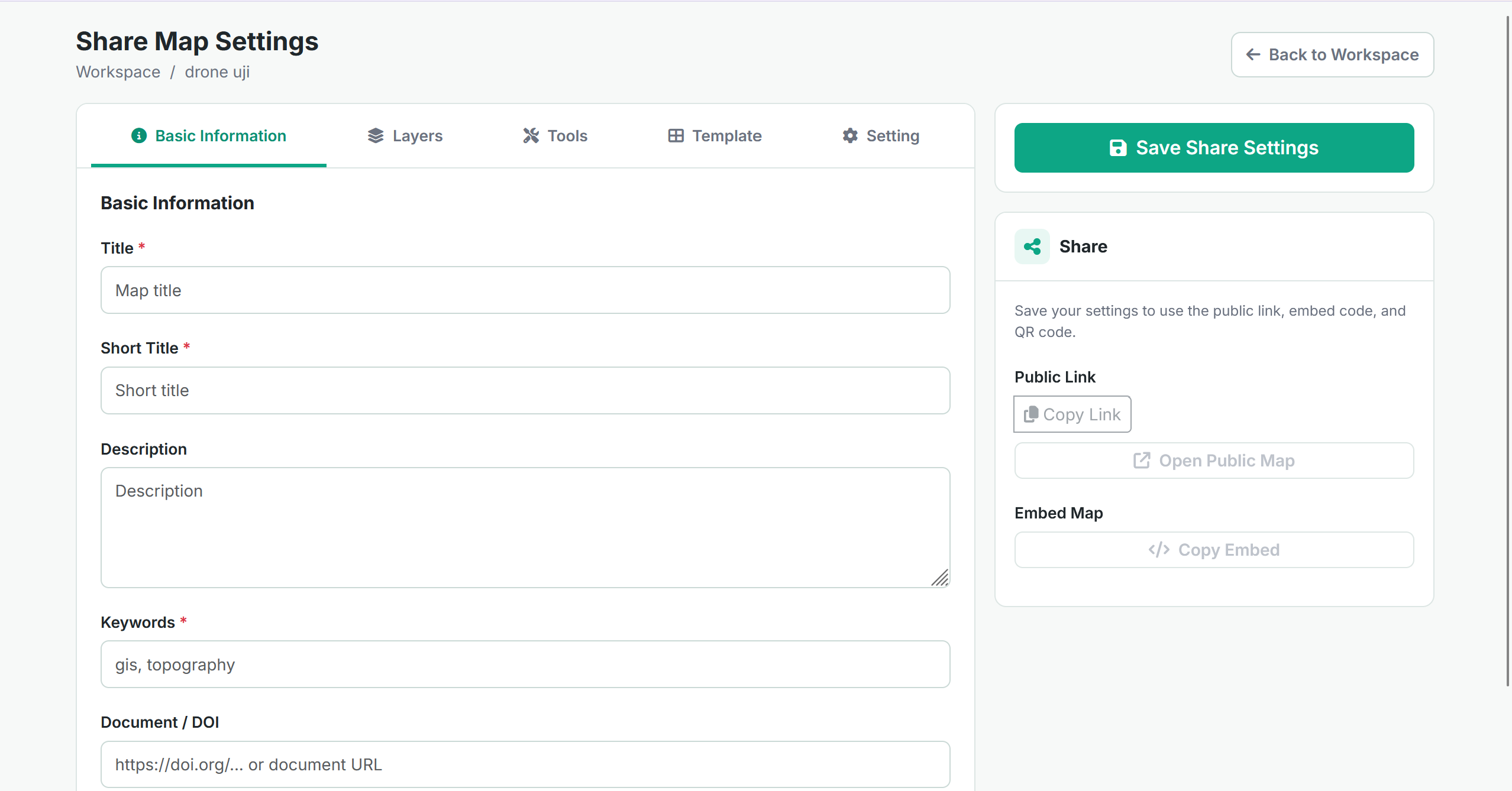
Configure sharing and data exports
Open Share Map Settings. Complete Basic Information and review Layers, Tools, Template and Setting, then click Save Share Settings.
Use the available Public Link or Embed Map controls after saving. For data files, open Drone Toolbox and choose Export Vector, Export Raster or Point Cloud Export.